

Below you’ll find a range of freely available assets and resources for use in your practice and for sharing with your patients. We have included clinical scans, videos, questionnaires, education booklets, and step by step videos which demonstrate how to use our products.
Clinic Resources
Featured Resources
Illustrations
Featured
Document
Featured
Video
Featured
Video
Featured

Booklet
Featured

Quick Access


All Resources
Patient Education Resources
Booklet
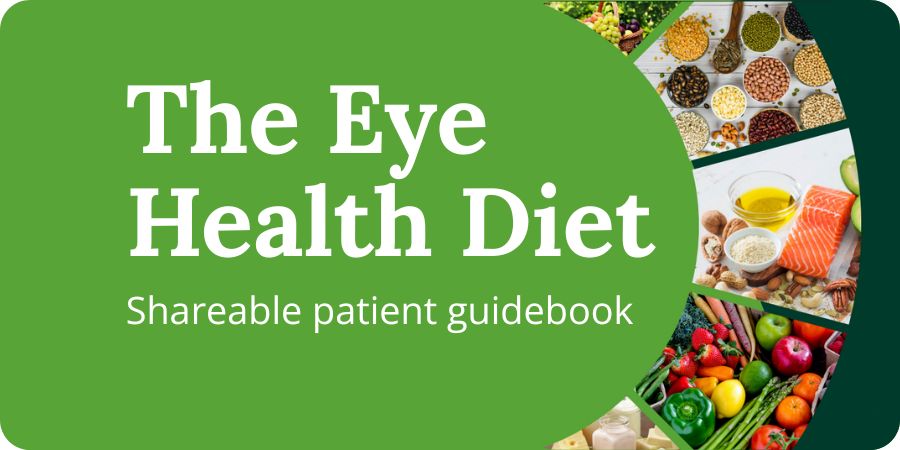
The Eye Health Diet Guidebook
This a patient‑friendly handout that translates eye health best practice insights into simple, practical actions they can follow at home. This works best when paired with the Ocular Nutrition Assessment Tool to guide the clinical conversation.

Share The Eye Health Diet Guidebook via QR code
Please instruct your patient or colleague to scan the QR code with the camera app on their smartphone to access this resource.
They can scan the QR code directly from your device if they are there with you in person.
Alternatively you can also copy and past the QR code into an email or document with additional information that you want to provide to them.
Photos

Pollen Calendar
Help patients stay prepared for seasonal allergies with this helpful Allergy Season Calendar. It outlines peak pollen periods for different allergens throughout the year, enabling proactive management of symptoms. Perfect for parents and allergy sufferers looking to minimize exposure and plan effective relief strategies.


Share Pollen Calendar via QR code
Please instruct your patient or colleague to scan the QR code with the camera app on their smartphone to access this resource.
They can scan the QR code directly from your device if they are there with you in person.
Alternatively you can also copy and past the QR code into an email or document with additional information that you want to provide to them.
Video
Featured
How to apply eye drops
This guide explains the proper way to apply eye drops. Patients can learn how to administer eye drops effectively for conditions such as dry eye and glaucoma to maximize treatment effectiveness.
Share How to apply eye drops via QR code
Please instruct your patient or colleague to scan the QR code with the camera app on their smartphone to access this resource.
They can scan the QR code directly from your device if they are there with you in person.
Alternatively you can also copy and past the QR code into an email or document with additional information that you want to provide to them.
Video

How to use eyelid wipes
A guide for patients on how to perform eyelid hygiene at home, this resource covers proper cleaning techniques for both the lower and upper eyelid.
Share How to use eyelid wipes via QR code
Please instruct your patient or colleague to scan the QR code with the camera app on their smartphone to access this resource.
They can scan the QR code directly from your device if they are there with you in person.
Alternatively you can also copy and past the QR code into an email or document with additional information that you want to provide to them.
Video

How to massage eyes
In this guide, patients can learn how to massage their eyelids post-heat mask for effective symptom management. This routine promotes eye comfort, though brief blurring may occur and should clear with a few blinks.
Share How to massage eyes via QR code
Please instruct your patient or colleague to scan the QR code with the camera app on their smartphone to access this resource.
They can scan the QR code directly from your device if they are there with you in person.
Alternatively you can also copy and past the QR code into an email or document with additional information that you want to provide to them.
Booklet
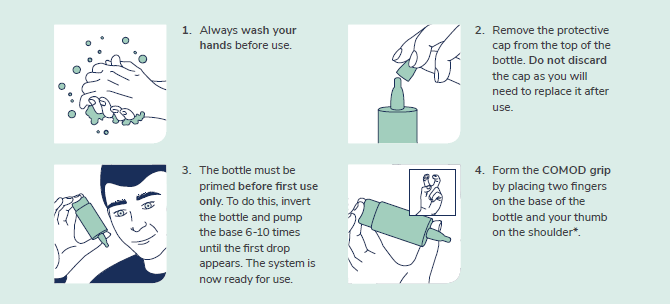
How to use the COMOD bottle
Patients should follow these steps when using HYLO or Hycosan COMOD bottle to correctly administer eye drops.
Share How to use the COMOD bottle via QR code
Please instruct your patient or colleague to scan the QR code with the camera app on their smartphone to access this resource.
They can scan the QR code directly from your device if they are there with you in person.
Alternatively you can also copy and past the QR code into an email or document with additional information that you want to provide to them.
Document
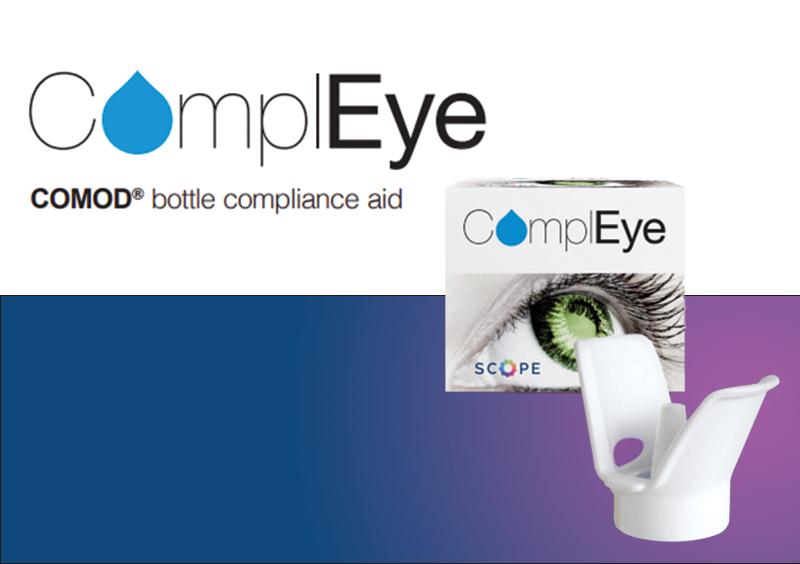
How to use Compleye
The ComplEye is a bottle compliance aid specifically created for the COMOD bottle. It is designed to help patients with the stable positioning of the bottle over their eye, so they can accurately squeeze a drop into their eye.
Share How to use Compleye via QR code
Please instruct your patient or colleague to scan the QR code with the camera app on their smartphone to access this resource.
They can scan the QR code directly from your device if they are there with you in person.
Alternatively you can also copy and past the QR code into an email or document with additional information that you want to provide to them.
Document

Share AMD Amsler Grid via QR code
Please instruct your patient or colleague to scan the QR code with the camera app on their smartphone to access this resource.
They can scan the QR code directly from your device if they are there with you in person.
Alternatively you can also copy and past the QR code into an email or document with additional information that you want to provide to them.
Booklet

Share AMD Patient Booklet via QR code
Please instruct your patient or colleague to scan the QR code with the camera app on their smartphone to access this resource.
They can scan the QR code directly from your device if they are there with you in person.
Alternatively you can also copy and past the QR code into an email or document with additional information that you want to provide to them.
Video
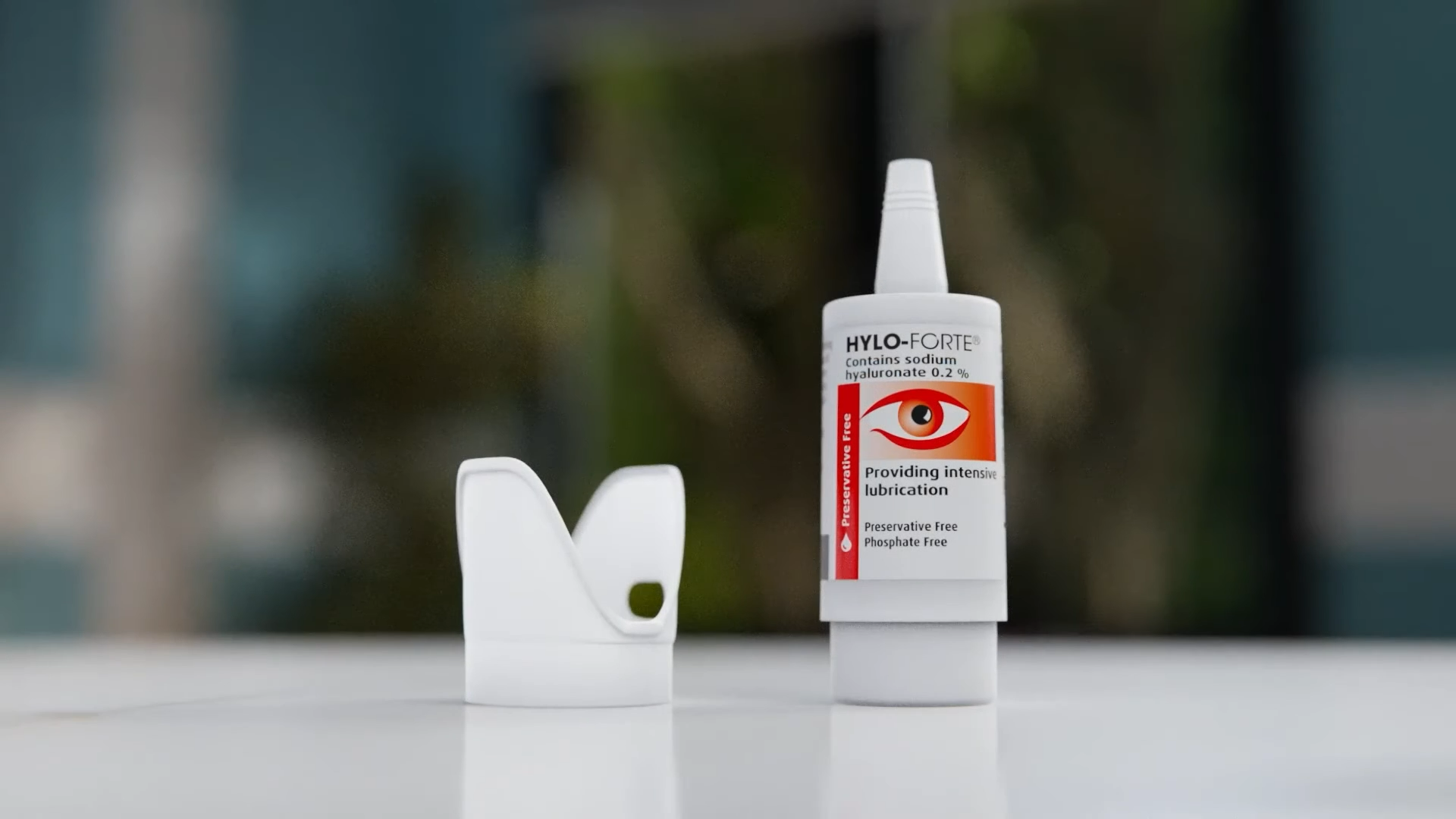
How to use the Compleye
Share How to use the Compleye via QR code
Please instruct your patient or colleague to scan the QR code with the camera app on their smartphone to access this resource.
They can scan the QR code directly from your device if they are there with you in person.
Alternatively you can also copy and past the QR code into an email or document with additional information that you want to provide to them.

How to use the COMOD Bottle
Share How to use the COMOD Bottle via QR code
Please instruct your patient or colleague to scan the QR code with the camera app on their smartphone to access this resource.
They can scan the QR code directly from your device if they are there with you in person.
Alternatively you can also copy and past the QR code into an email or document with additional information that you want to provide to them.
Photos

How to use HYLO Night
Share How to use HYLO Night via QR code
Please instruct your patient or colleague to scan the QR code with the camera app on their smartphone to access this resource.
They can scan the QR code directly from your device if they are there with you in person.
Alternatively you can also copy and past the QR code into an email or document with additional information that you want to provide to them.
Video

How to use Hycosan Night
Share How to use Hycosan Night via QR code
Please instruct your patient or colleague to scan the QR code with the camera app on their smartphone to access this resource.
They can scan the QR code directly from your device if they are there with you in person.
Alternatively you can also copy and past the QR code into an email or document with additional information that you want to provide to them.
Photos

How to use Hycosan Shield
Share How to use Hycosan Shield via QR code
Please instruct your patient or colleague to scan the QR code with the camera app on their smartphone to access this resource.
They can scan the QR code directly from your device if they are there with you in person.
Alternatively you can also copy and past the QR code into an email or document with additional information that you want to provide to them.
Video

How to use EvoTears
Share How to use EvoTears via QR code
Please instruct your patient or colleague to scan the QR code with the camera app on their smartphone to access this resource.
They can scan the QR code directly from your device if they are there with you in person.
Alternatively you can also copy and past the QR code into an email or document with additional information that you want to provide to them.
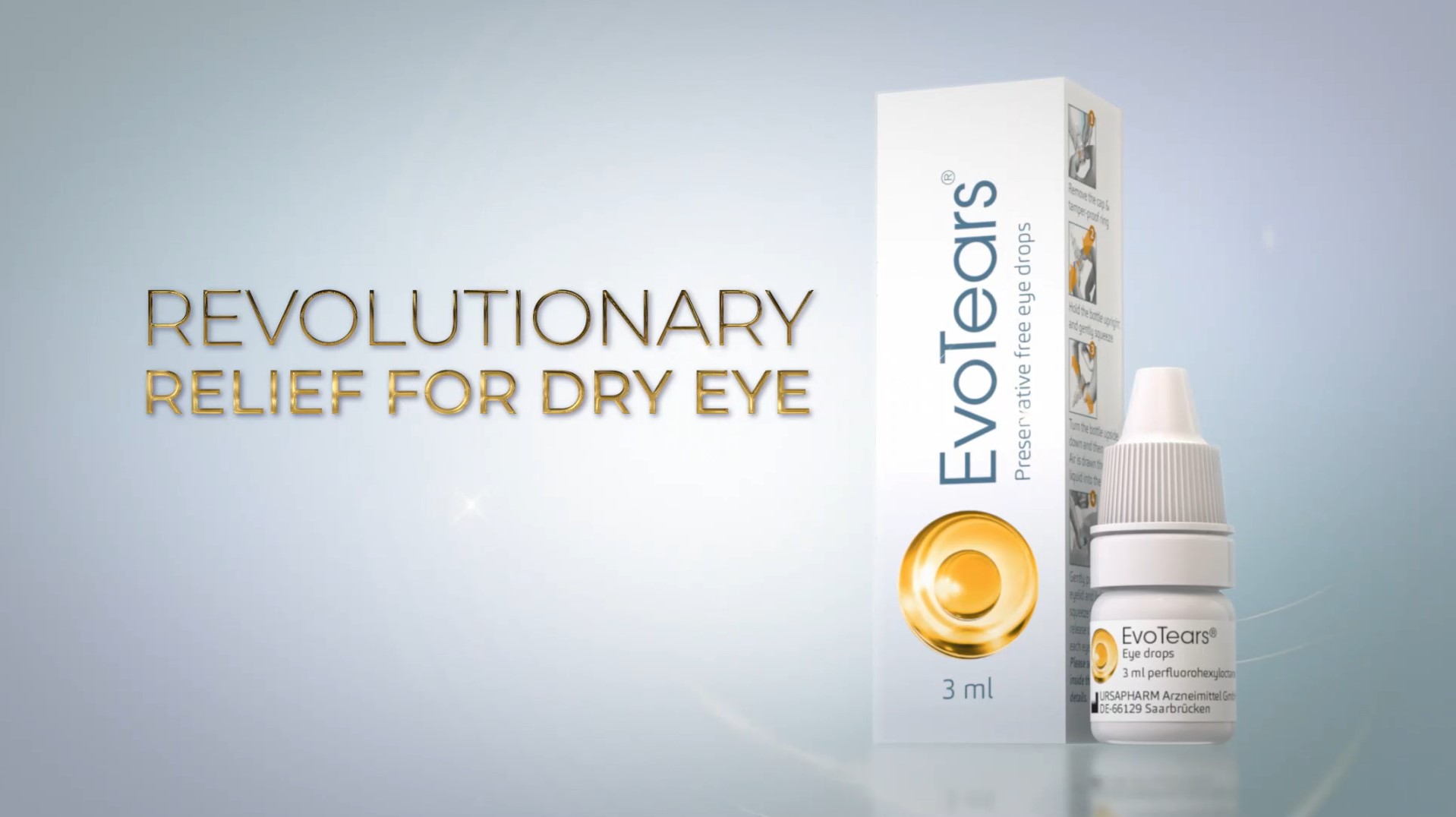
How the EvoTears bottle works
Share How the EvoTears bottle works via QR code
Please instruct your patient or colleague to scan the QR code with the camera app on their smartphone to access this resource.
They can scan the QR code directly from your device if they are there with you in person.
Alternatively you can also copy and past the QR code into an email or document with additional information that you want to provide to them.
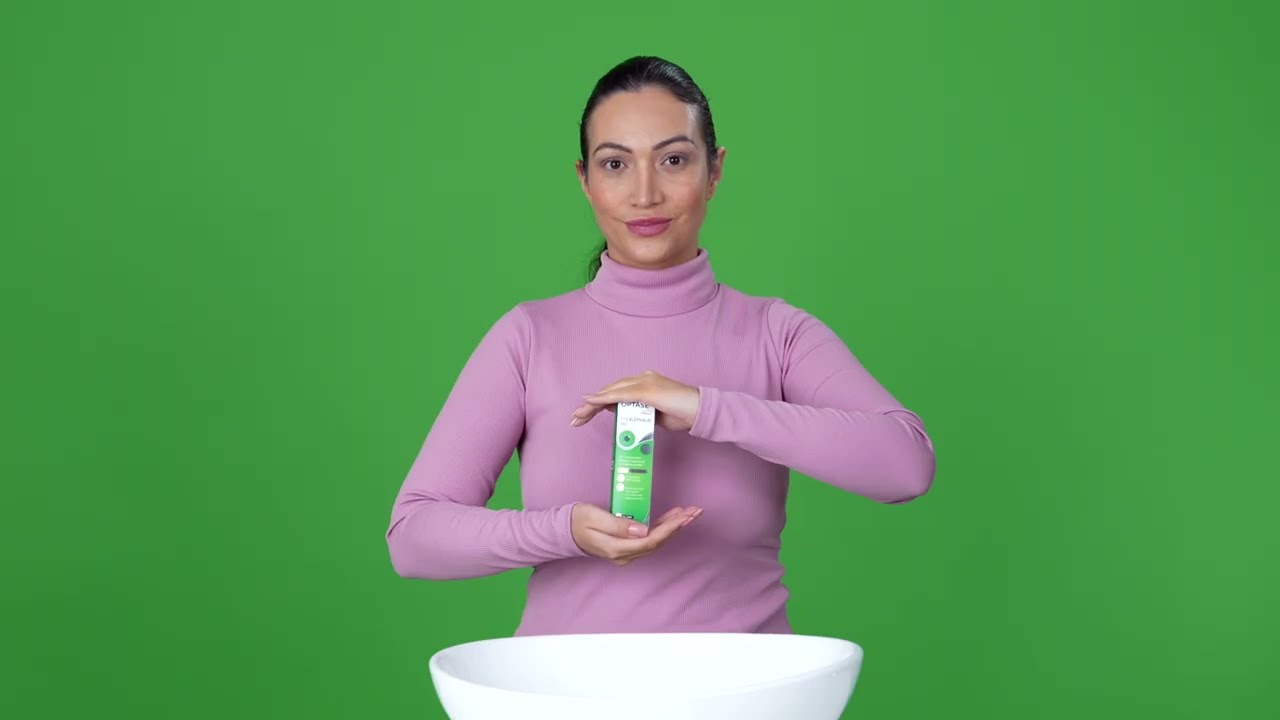
How to use the Optase TTO Gel
Share How to use the Optase TTO Gel via QR code
Please instruct your patient or colleague to scan the QR code with the camera app on their smartphone to access this resource.
They can scan the QR code directly from your device if they are there with you in person.
Alternatively you can also copy and past the QR code into an email or document with additional information that you want to provide to them.
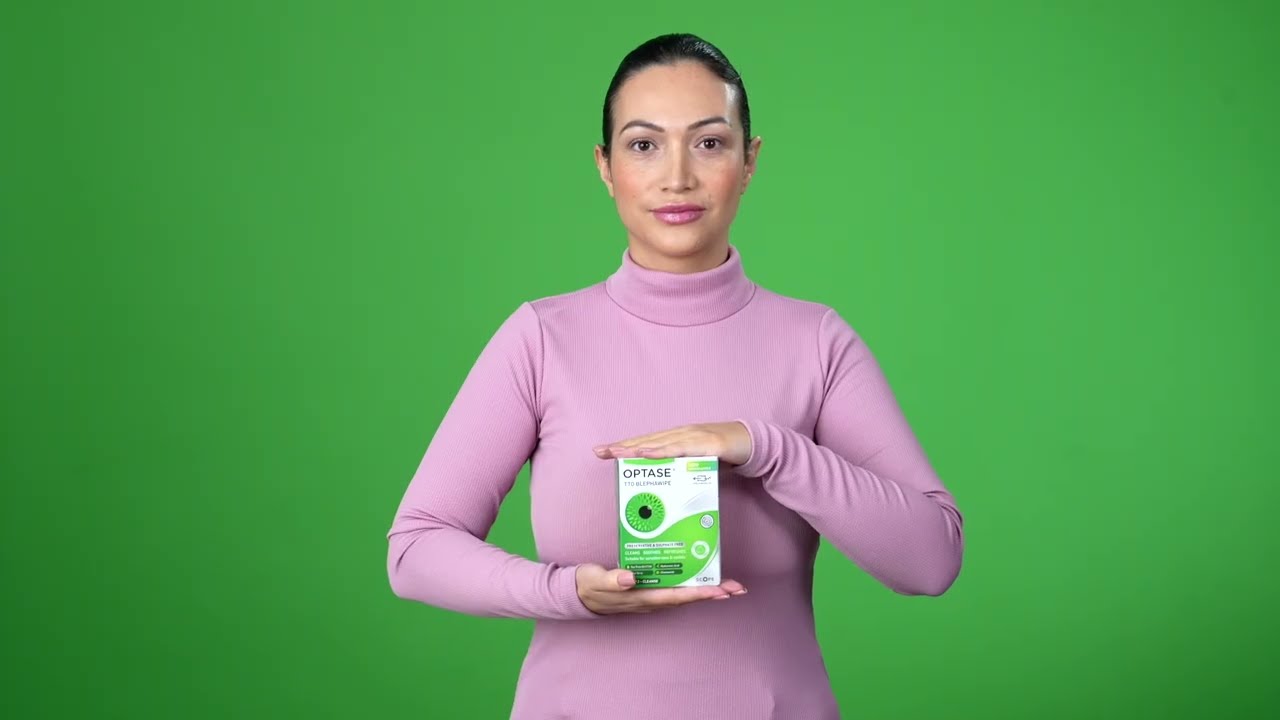
How to use the Optase TTO Wipes
Share How to use the Optase TTO Wipes via QR code
Please instruct your patient or colleague to scan the QR code with the camera app on their smartphone to access this resource.
They can scan the QR code directly from your device if they are there with you in person.
Alternatively you can also copy and past the QR code into an email or document with additional information that you want to provide to them.